Patient help. Clear explanations. One step at a time.
Help in your own home
Plain English explanations
Cost agreed before booking
What do you need help with?
Let’s make technology a little easier.
New device, unfamiliar settings or something that has stopped working? Tell us what’s happening. We’ll help you work out the next step.
Computers & laptops
New laptop? Something not working? We can help you get started.
New-device setup and getting connected
Email, apps and software setup
Settings, updates and everyday troubleshooting
Patient help understanding how to use your device
Phones & tablets
Feel more comfortable with the device in your hand.
Setting up a new phone or tablet
Help with email, apps and updates
Connecting to your home Wi-Fi
Working through settings and everyday problems
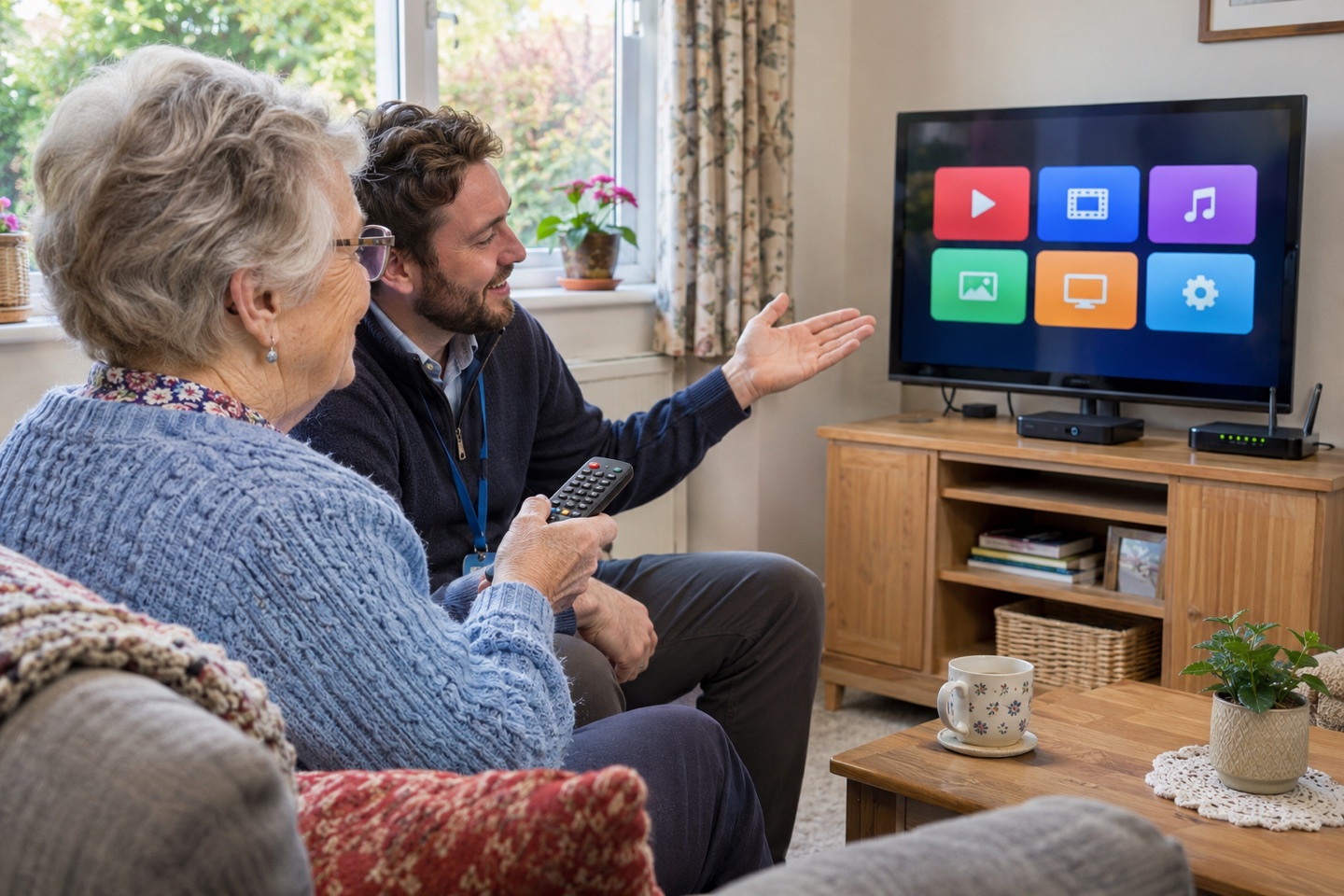
Smart TVs & streaming
Get connected and find the programmes you want to watch.
Smart TV setup and Wi-Fi connections
Streaming device and app setup
Connecting compatible devices and choosing the right input
Troubleshooting connection and playback issues
Wi-Fi & smart devices
Help your devices connect and work together at home.
Router setup and configuration — the box that connects you to the internet
Wi-Fi coverage checks and connection troubleshooting
Smart speaker setup and pairing
Setup of compatible connected-home devices
Support focuses on setup, connections and everyday troubleshooting. If your enquiry needs specialist repairs or installation, we’ll discuss that before arranging any work.
Clear starting prices
What does it cost?
The same starting prices apply in all areas. We’ll agree the work and cost with you before booking.
Home visit, first hour
From £59
Each additional 30 minutes
From £25
New computer setup, up to 2 hours
From £99
Smartphone or tablet lesson, 1 hour
From £55
Remote support, 30 minutes
From £25
For smart TV, streaming, Wi-Fi and smart-device help, tell us what you need so we can confirm the suitable visit and price.
A little guidance with your phone or tablet.Help with your TV, streaming and connections.
No rush. No confusing language.
Whether you’re starting with a new device or working through a problem, we’ll explain the next steps in plain English. Our home visits suit older adults, beginners and anyone who would like a little extra help with technology.
Getting started is simple
Tell us the problem. We’ll take it from there.
Tell us what’s happening
Share your device, the problem and where you are in Perth, Crieff or Dundee. You don’t need to know the technical terms.
Agree the next step
We’ll discuss whether we can help, what’s involved and the cost before arranging a suitable time.
Get help at home
We’ll work through the agreed setup or issue and explain the next steps in plain English.
Perth · Crieff · Dundee
Ask for help at home.
Tell us what you need a hand with. We’ll get in touch to discuss a visit.
This is a booking enquiry. A visit is only confirmed once we’ve agreed availability, the work involved and the cost.
Not sure what to write?
Tell us which device needs help and what happens when you try to use it. Include the make and model or any error message if you know them.
For Wi-Fi problems, tell us which rooms or devices are affected.
Keep sign-in details private
Please don’t send passwords, security codes or payment details. We don’t need them to review your enquiry.
Please fill in the boxes marked “required”. The other boxes are optional.
Before you enquire
Where do you offer home tech help?
We offer home visits in Perth, Crieff and Dundee, Scotland, by arrangement. The same starting prices apply across these areas. Tell us your location and what you need help with when you enquire.
Can you help someone who is new to computers?
Yes. We offer patient computer, smartphone and tablet help for beginners and older adults. Tell us what you would like to learn, and we’ll discuss a suitable visit or lesson.
Do I need to know what’s wrong?
No. Describe what happens and what you would like to do. The device make and model can help, but you can enquire without them.
Can I ask about more than one device?
Yes. Choose “More than one thing / not sure” and list the devices or issues. We’ll discuss the scope before arranging a visit.
How much will it cost?
See the starting prices above, which apply in all areas. Send a few details so we can agree the work and cost before booking.
Should I buy equipment first?
Tell us what you already have before buying anything. Compatibility, broadband service and the layout of your home can affect which options are suitable.